

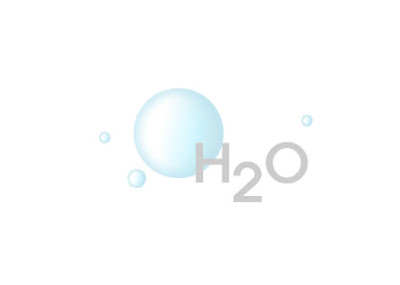
 This is an easy tutorial of making bubbles with few filters in Fireworks.
Step 1 On a new canvas, make a circle and fill in with a linear gradeint.
-Use colors #FFFFFF and #00CCFF
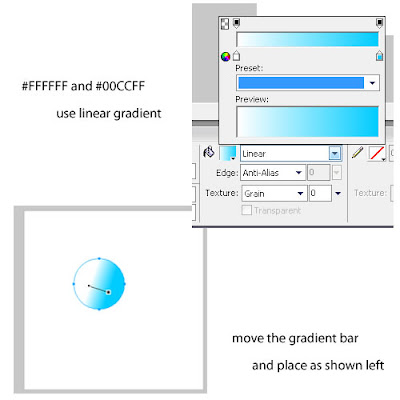
Step 2 Lower the opacity of the circle to 30.
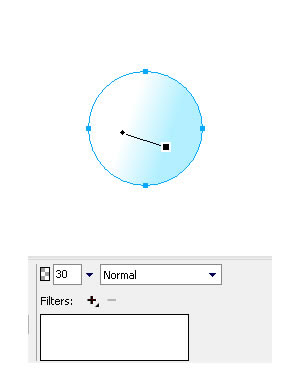
Step 3 Click the "Filters" and use "Inner Bevel". Set the value as shown.
 The circle should look like this so far.
 Step 4 Click the "Filters" and use "Inner Glow". Set value as shown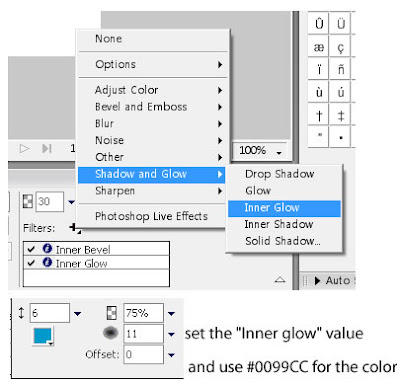
And you are done!
Read Tutorial>>